The demand for marketing automation tools is increasing across the globe. GetResponse is a leading tool that offers high-quality automation services and solutions to users. It is one of the most reliable marketing software that can deal with a range of marketing solutions, including lead generation, sales funnels, webinars, landing page building, and much more. This all-in-one marketing tool offers its services to all-sized businesses and organizations. It is more efficient than any other email marketing software available in the recent market scenario.
Here are the main marketing tools and solutions offered by GetResponse,
Setting up marketing automation on this amazing platform is easy, as it does not come with any complications. Here are the steps mentioned below
You can also manage your automation message according to your preferences. Here are the steps mentioned below that you can follow
Here are the steps to follow to optimize your marketing automation.
If you have new subscribers on your website, probably they are interested in your service. So, don’t miss any chances to impress them and tell them that your business can precisely meet their requirements. Send them emails to make them remember about your existence.
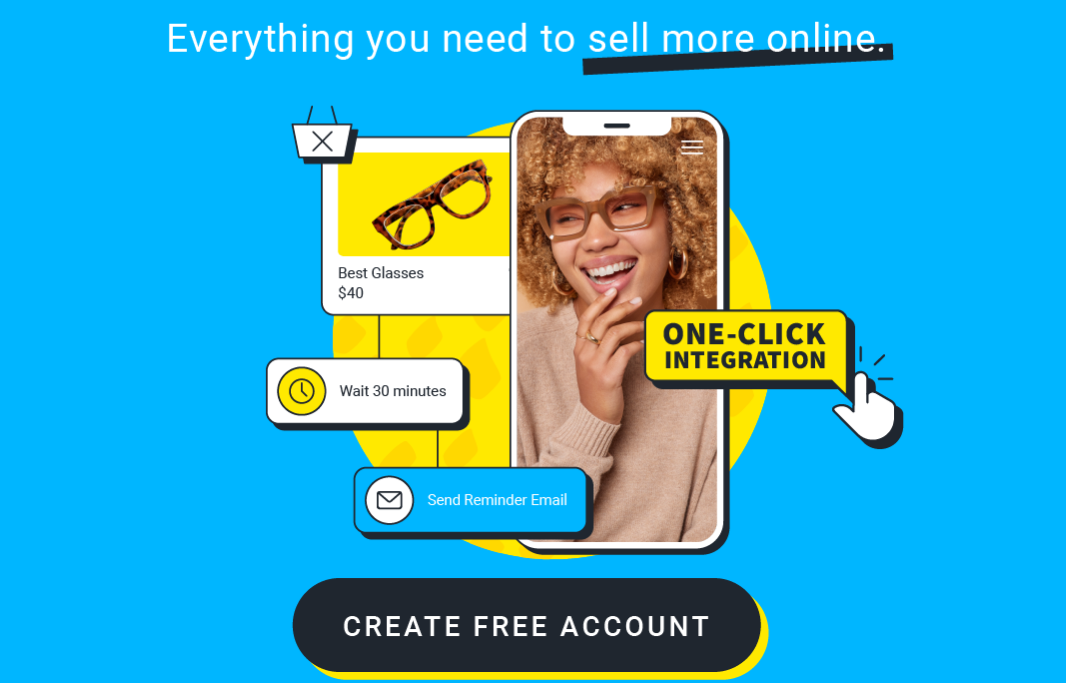
Abandoned carts are the most common issues that e-commerce websites face. Abandoned carts also mean that your customers want to get your service, but they are stepping back for some reason. Find out the reason for the abandoned cart workflow. Make your customers remember those unfinished orders by sending them interesting emails.
You can customize the emails depending on the preferences and choices of your customers to grab their attention. Analyze their likes and use that information to send them personalized emails that can hook them up.
Generate leads through your content so that more and more potential consumers can reach you and know about your services. Nurturing the leads is the same as nurturing your business. You can also motivate your customers to be your consumers with the content.
Analyze the engagement on your website or site to understand which things are working for you and which are affecting your consumers’ engagement. It will not only help you to generate the right strategies but also will help you to understand your customers well.
Send emails to your consumers to know about their post-purchase experience. It will help you to understand consumer loyalty and will also help you to create better strategies for the future.
The Challenge Season 42, titled Cutthroat, streams on Paramount+ with new episodes every Wednesday, and… Read More
Week 7 of Dancing with the Stars Season 35 is Horror Movie Night, airing Tuesday,… Read More
Bigg Boss Telugu 10 is in Week 7 with 12 housemates nominated for eviction, and… Read More
You vote for Bigg Boss Telugu 10 in the JioHotstar app: sign in, open the… Read More
Bigg Boss Telugu 10 started on September 6, 2026 with 16 contestants, 10 celebrities and… Read More
Koffee with Karan Season 9, the ninth and final season of Karan Johar's chat show,… Read More